 Beyond the Overlook
Starlink Mini for National Parks: Our Roam Review for Remote Work
National park Wi-Fi is often unreliable. We started traveling with a Starlink Mini so we could get online without depending on cell coverage or the hotel network.
Firsthand guide · Updated September 2026 · How we review our guides
The short answer: Starlink Mini has been useful on trips with unreliable connectivity. It fits in a laptop sleeve, but the battery, power setup and need for open sky matter as much as the antenna’s size.
Referral disclosure: The Starlink link on this page is our personal referral link, not a traditional cash affiliate link. If you sign up for an eligible Residential or Roam plan through it, you get one month of service applied to your second month, and we receive a Starlink service credit. Referral terms can change, so confirm the current offer with Starlink before signing up.
Why Starlink Mini works so well for national park trips
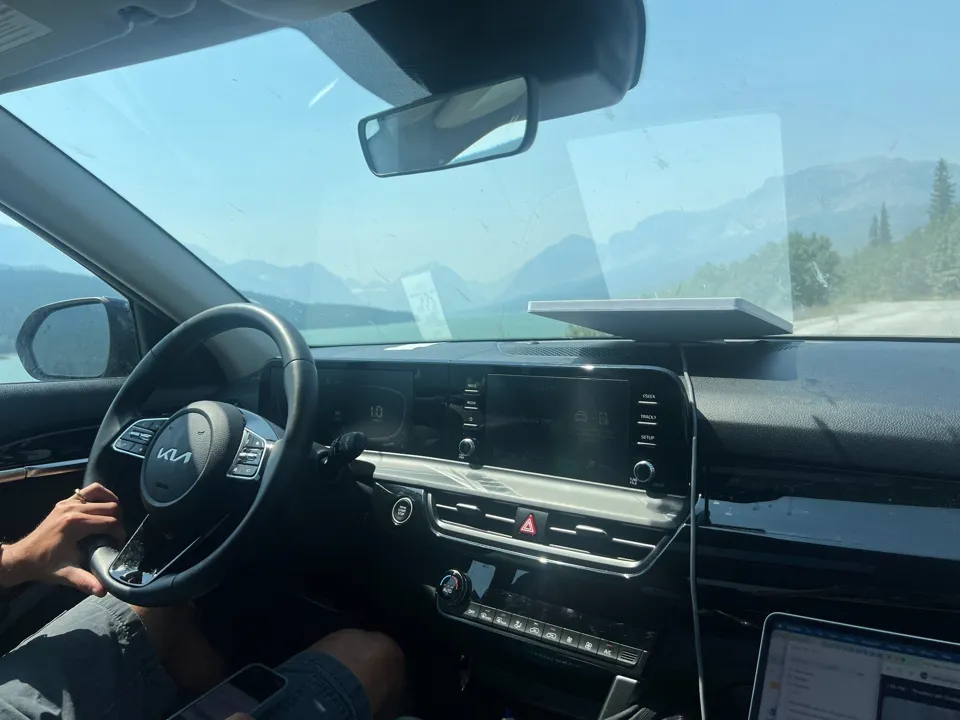
National parks are exactly where we have found ordinary connectivity to be least predictable. Cell service disappears, remote lodges may have slow or overloaded Wi-Fi, and some of the longest driving days are through areas where there is no useful signal at all.
On our Canadian Rockies and Glacier National Park trip, hotel Wi-Fi was not always strong enough for what we needed. Having our own connection gave us a useful backup.
Without that backup, getting online sometimes meant a detour to a town or coffee shop. We liked having another option.
How small is the Starlink Mini?
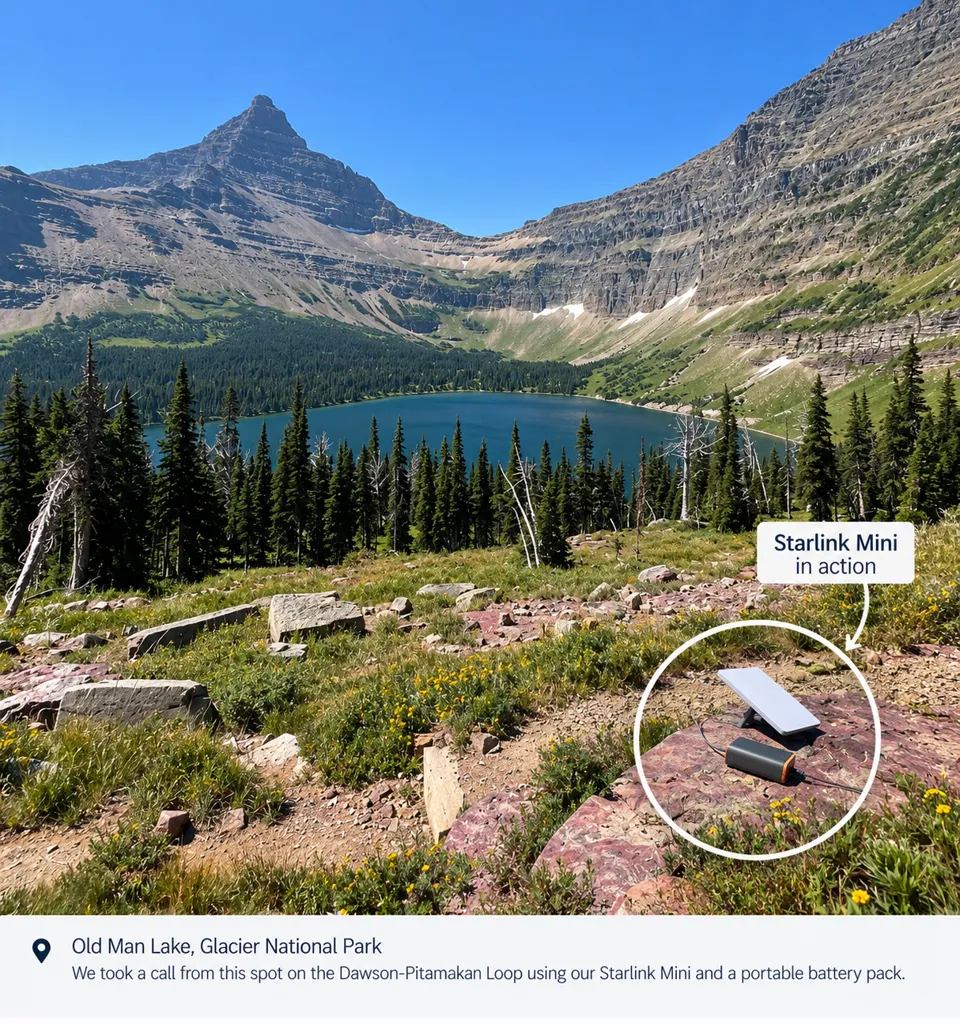
Starlink lists the Mini antenna at about 11.75 × 10.2 × 1.45 inches and 2.43 pounds without the kickstand. In practice, that means it is easy to treat like another piece of laptop gear rather than a piece of camping equipment.
For us, the laptop-sleeve test is a useful way to picture its size: it fits in one and can go in a normal backpack. The battery and accessories add weight, so portability alone would not persuade us to take it on every outing.
Our power setup: car charger plus portable battery pack
We use a compatible car-charging setup and a portable battery pack. Having both gives us flexibility, but we would check the total weight and power needs before deciding what to bring.
Starlink rates average Mini power consumption at about 25 to 40 watts. If you plan to run it from USB-C, pay attention to the power requirements of your specific cable and battery setup rather than assuming any small phone charger will work.
Where it worked well, and where it did not
Our connection worked well with a reasonably clear view of the sky, including for video calls. That is the practical benefit we would weigh against the equipment, service cost and setup.
The weak spots were predictable. Dense trees can obstruct the satellite view, and parking garages are essentially the opposite of what Starlink needs. In heavily forested areas we sometimes had to move to a more open spot before the connection became useful.
That is the important limitation for national park travel: Starlink is not magic under thick tree cover or a roof. It is extremely useful when you can give it open sky.
Is Starlink Mini worth it for travel?
If you take vacations where you truly disconnect, probably not. But if you work remotely, combine work and travel, spend a lot of time in national parks, or regularly stay somewhere with questionable Wi-Fi, we think the Mini solves a very real problem.
Our Starlink referral
If you are already considering Starlink, our referral currently gives a new eligible Residential or Roam customer one month of service applied to the second month. We also receive a service credit.
Who we think it is best for
We would consider it most useful for remote workers, families mixing work with a road trip, RV travelers, people who stay in national park lodges or cabins, and anyone whose itinerary regularly takes them beyond dependable cell coverage.